Learn how to get the most out of STRUTTURA with these step-by-step guides.
Follow these simple steps to start spawning community creations in your Minecraft worlds.
Download and install the STRUTTURA mod. Follow the instructions on the Download page to set it up with Fabric.
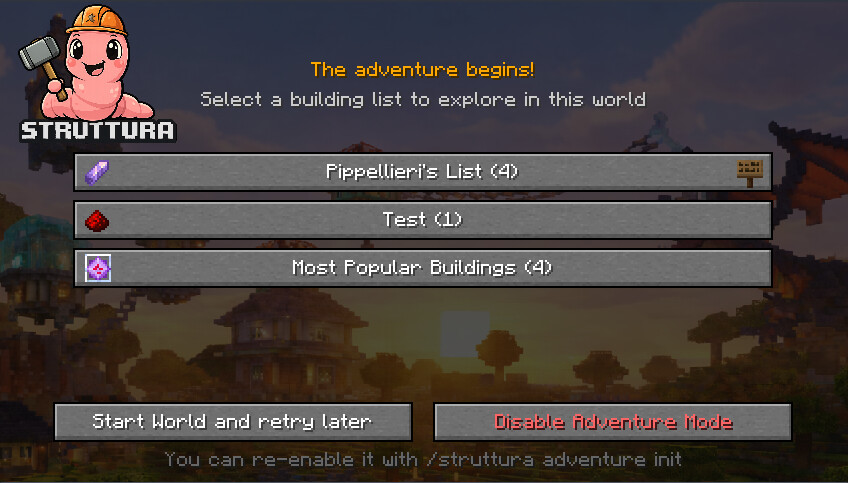
Go to DownloadYou can start playing right away without doing anything else! When you create a new world, you'll see the available public lists (currently the Most Popular buildings list). Just select one and start your adventure.
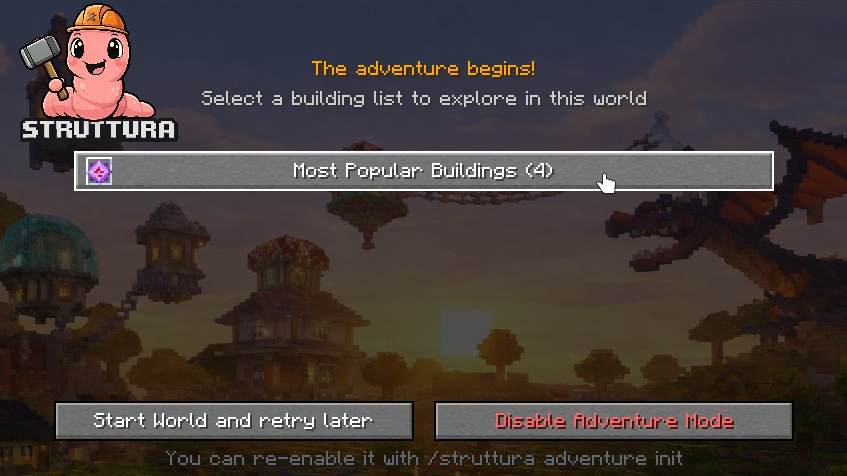
Want to customize your experience? Browse the Creations page, find buildings you like, and add them to your own list (create one first). Your first list is automatically set as active for Adventure mode. You can also find interesting lists made by other players and set them as active for your adventures.
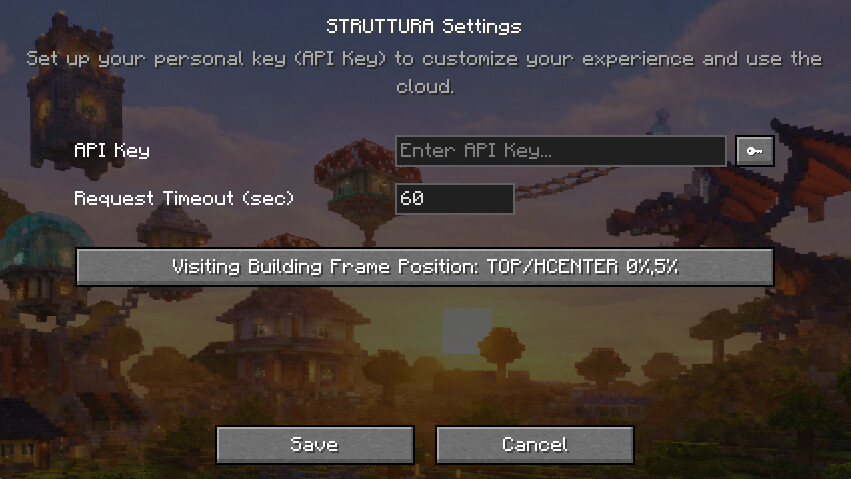
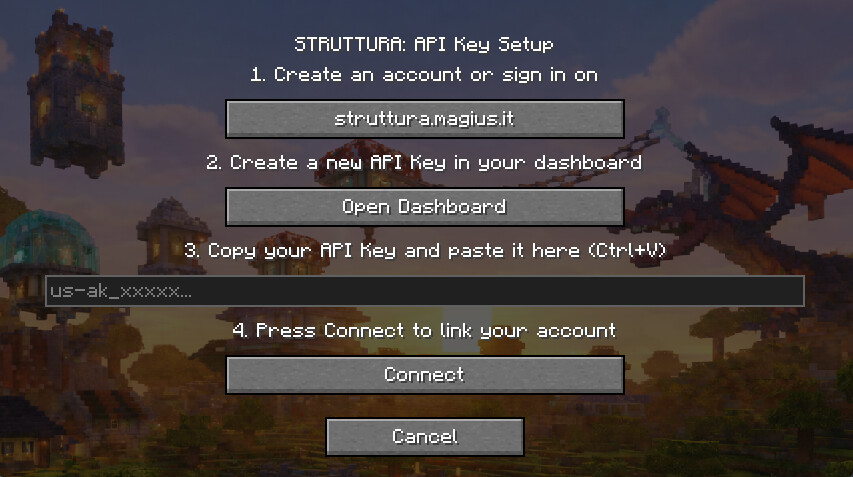
Browse CreationsCreate an API Key from your dashboard and paste it in the STRUTTURA mod settings in Minecraft. You can also use the step-by-step wizard  to guide you through the process:
From now on, when you start a new game, the lists you've chosen will appear on the selection screen. Pick your favorites and enjoy discovering amazing creations as you explore your world!